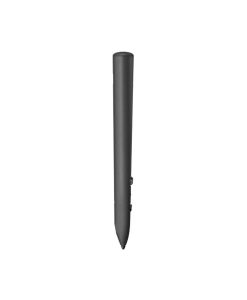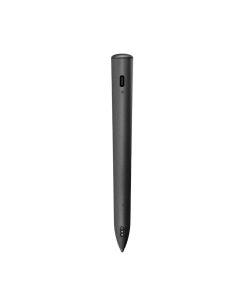


Logitech MX Ink Mixed Reality Stylus for Meta Quest

(customer review) 0 sold

2.900.000 

  • Compatible with Meta Quest 3, Quest 3S, Quest 2
  • Certified Made for Meta for Meta Quest accessories
  • Easy wireless connection
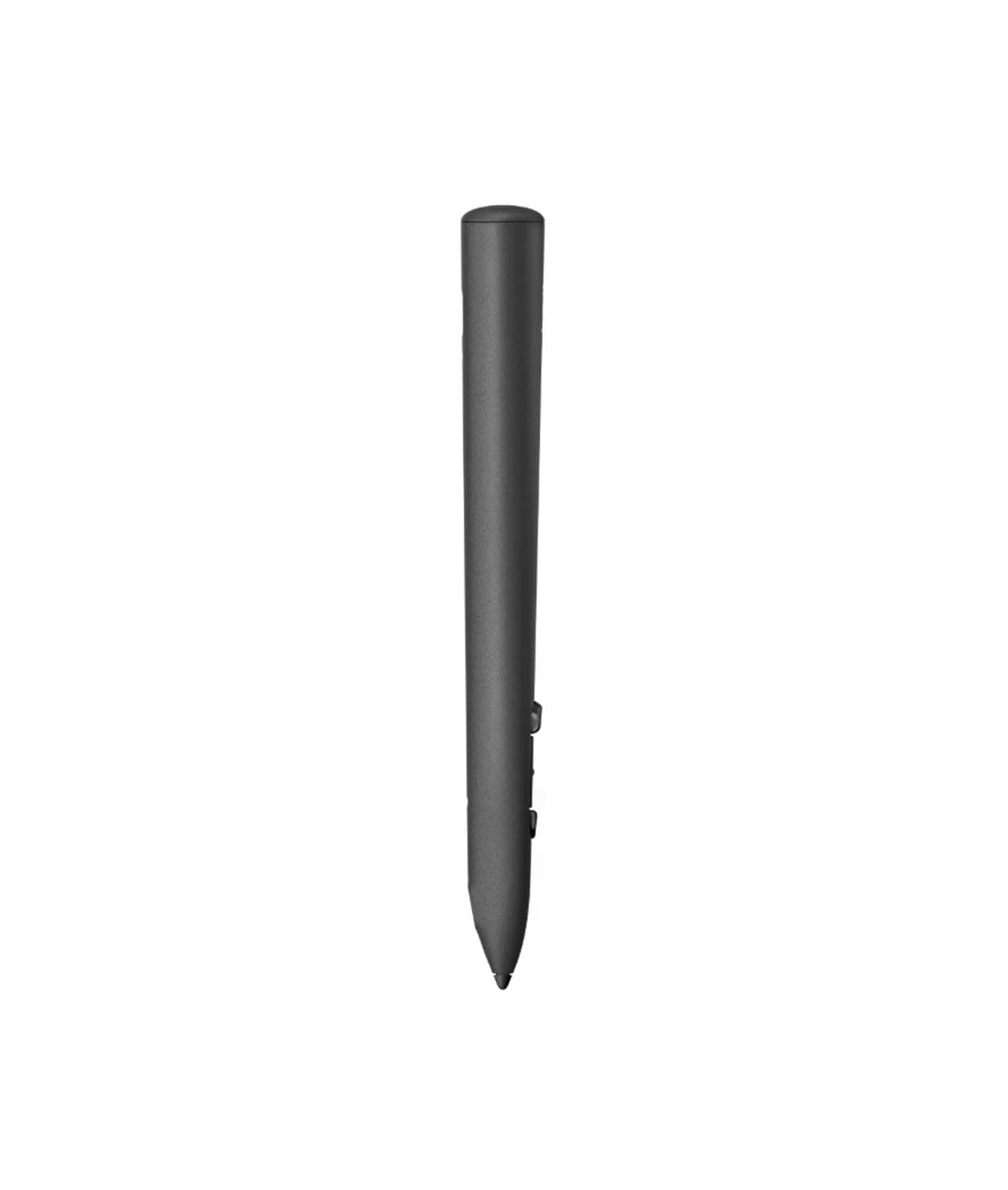
  • Lightweight design – only 29g
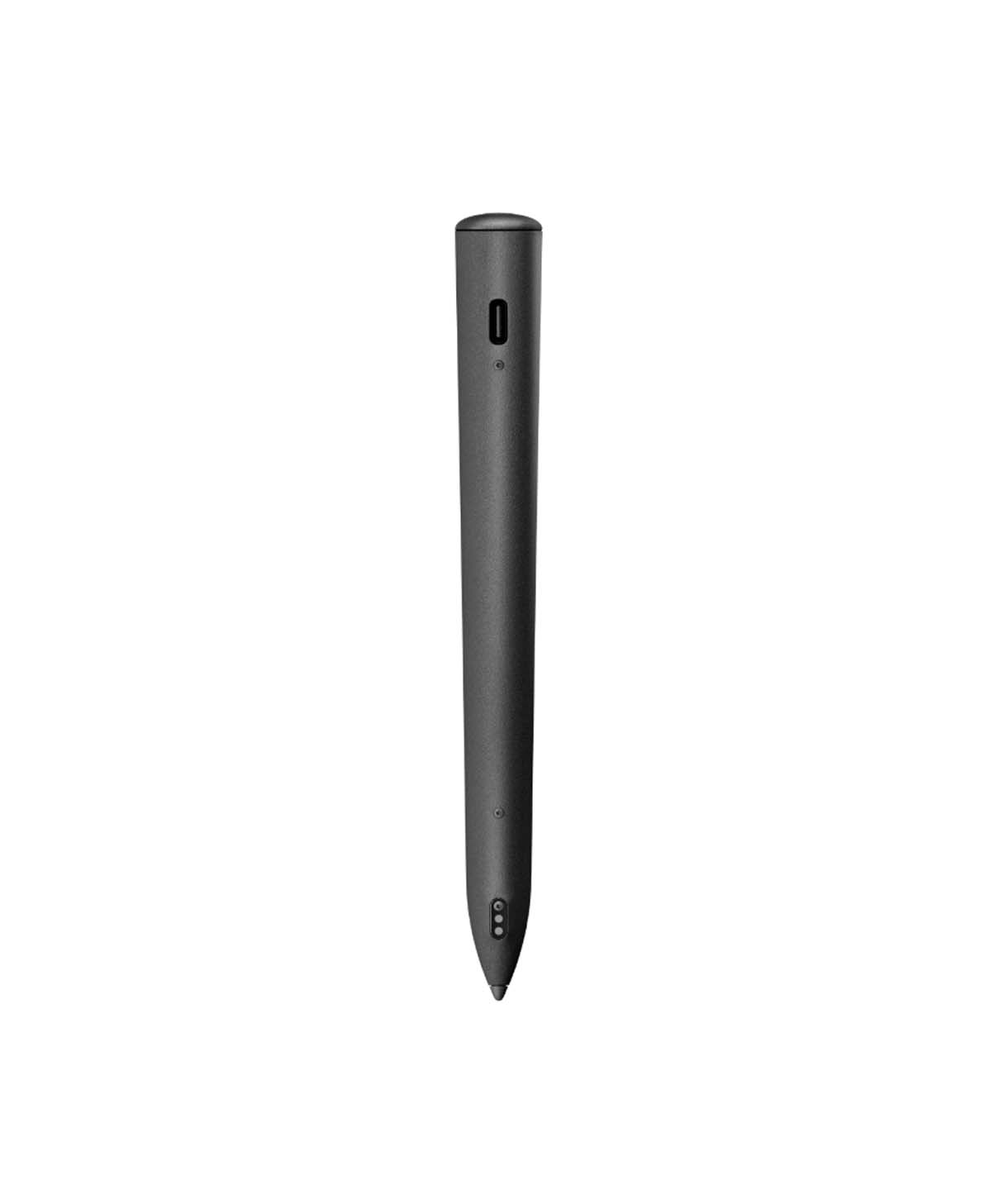
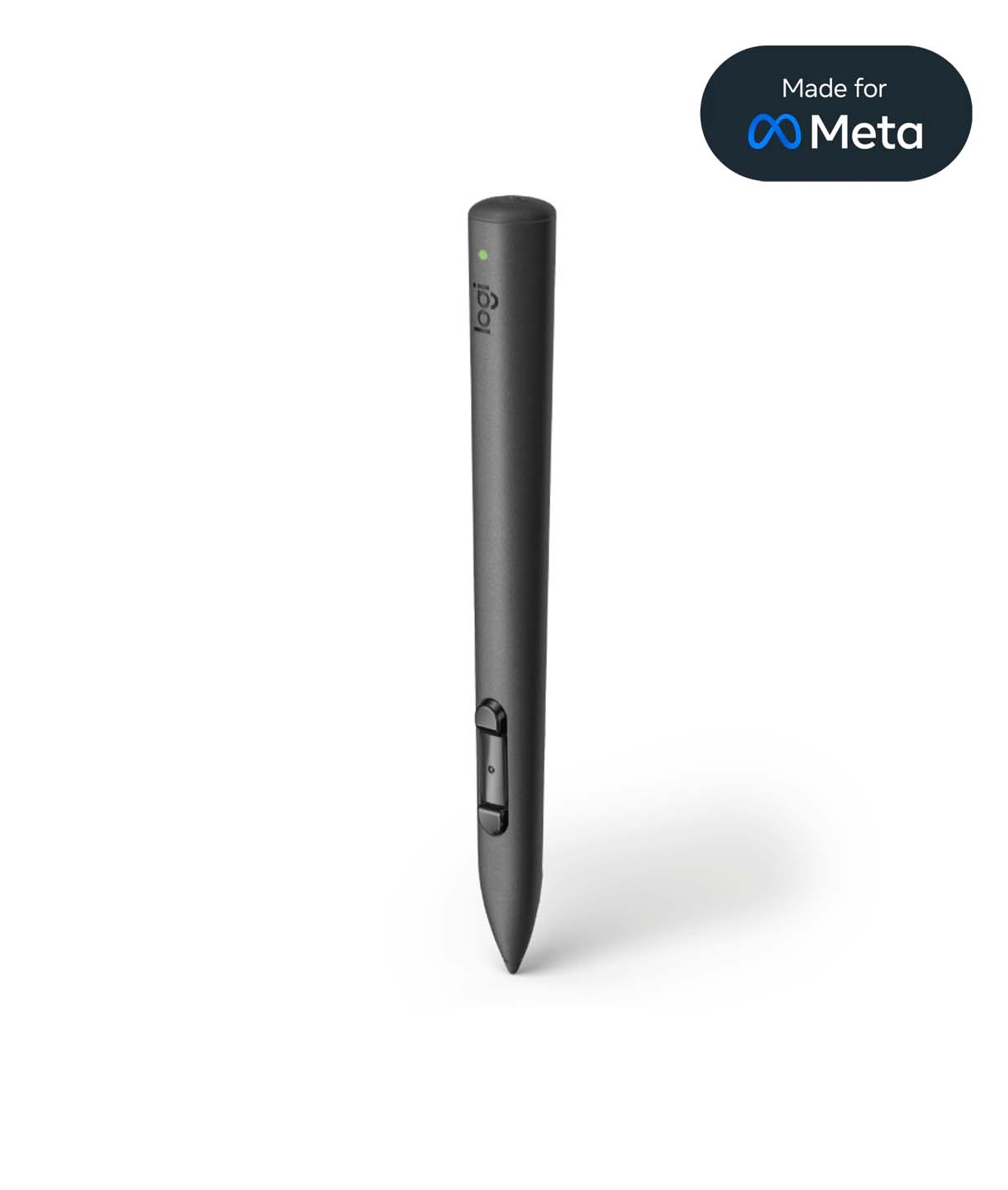
  • Dimensions: 18mm (D) x 17mm (W) x 164mm (H)
  • Suitable for both left- and right-handed users

The Logitech MX Ink Mixed-Reality Stylus is compatible with Meta Quest. This pen allows you to draw in both 2D and 3D within the virtual reality world. Compact and innovative, it offers a comfortable grip and supports a wide range of apps.

Made For Meta

It is an officially authorized Meta hardware accessory. The “Made for Meta” badge signifies that the accessory meets Meta’s high quality standards.

Simple operation – easy control

Bút Logitech Mx Ink Mixed Reality Cho Kính Meta Quest 10
ChatGPT đã nói:

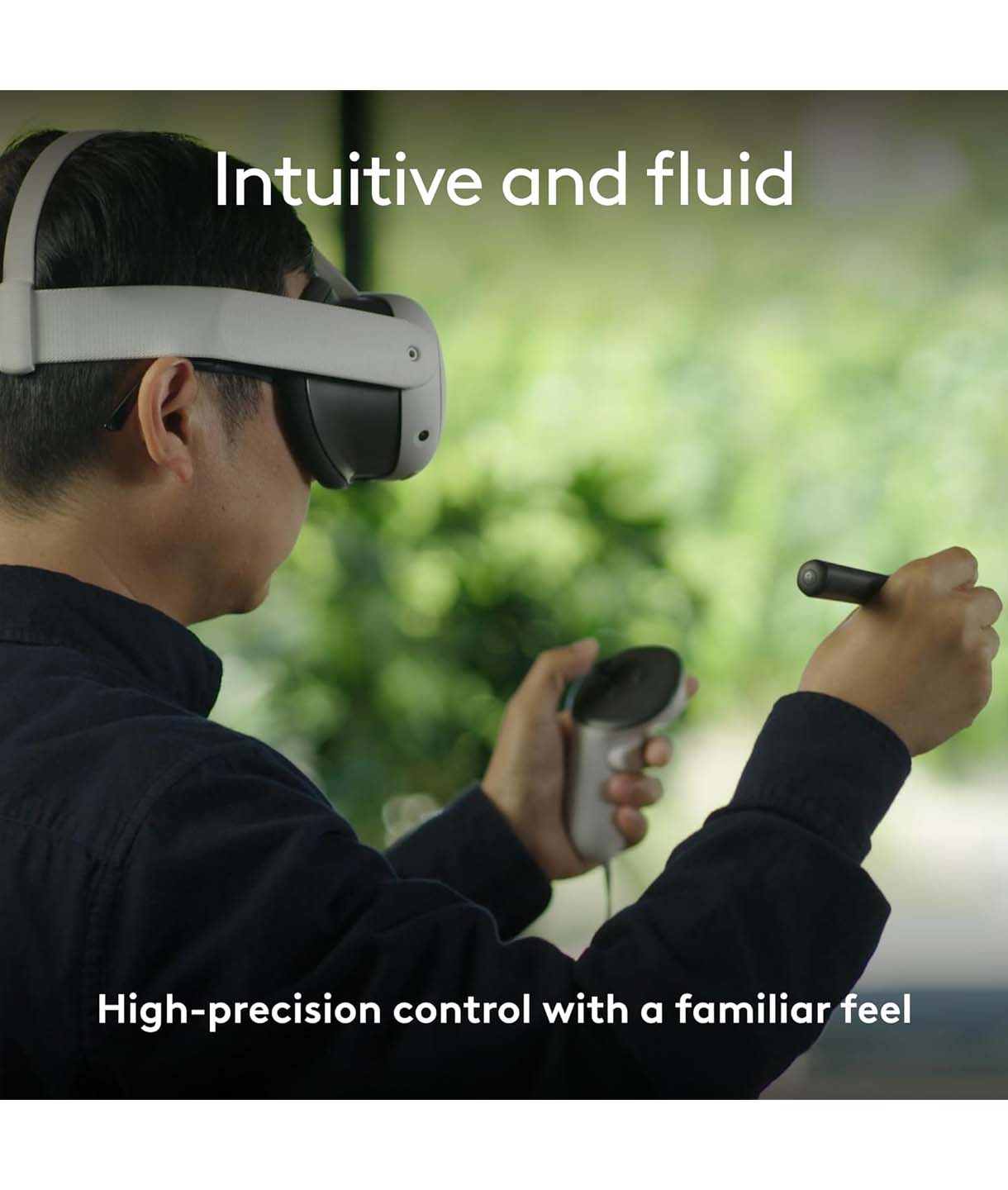
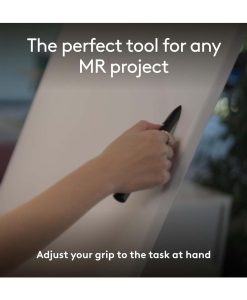
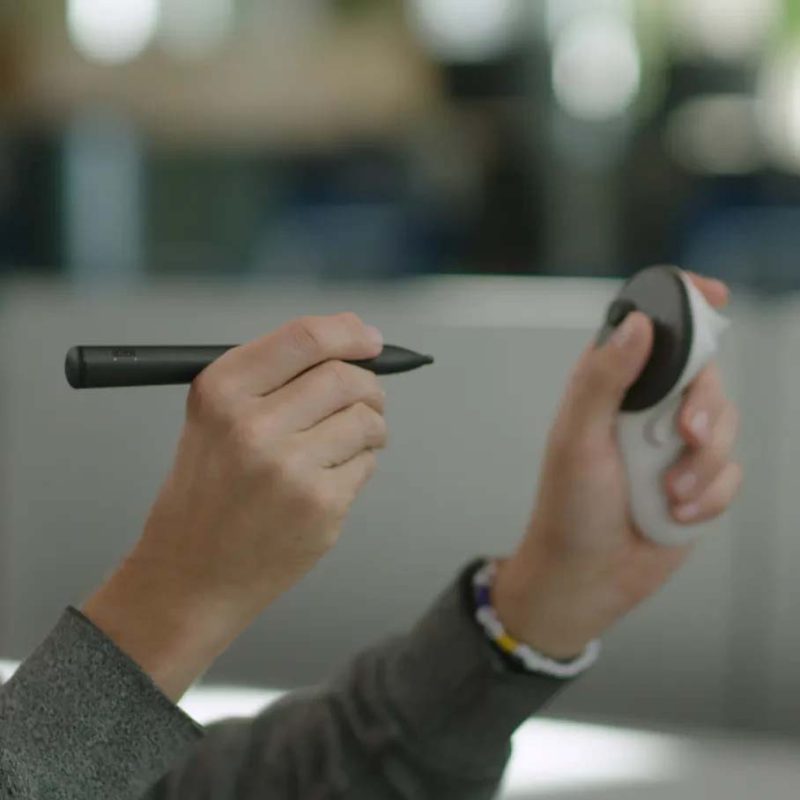
Maximize your creativity with the stylus, allowing you to sketch, grab, move, and interact with objects in a mixed-reality environment. Designed to deliver a familiar, smooth, and precise experience.

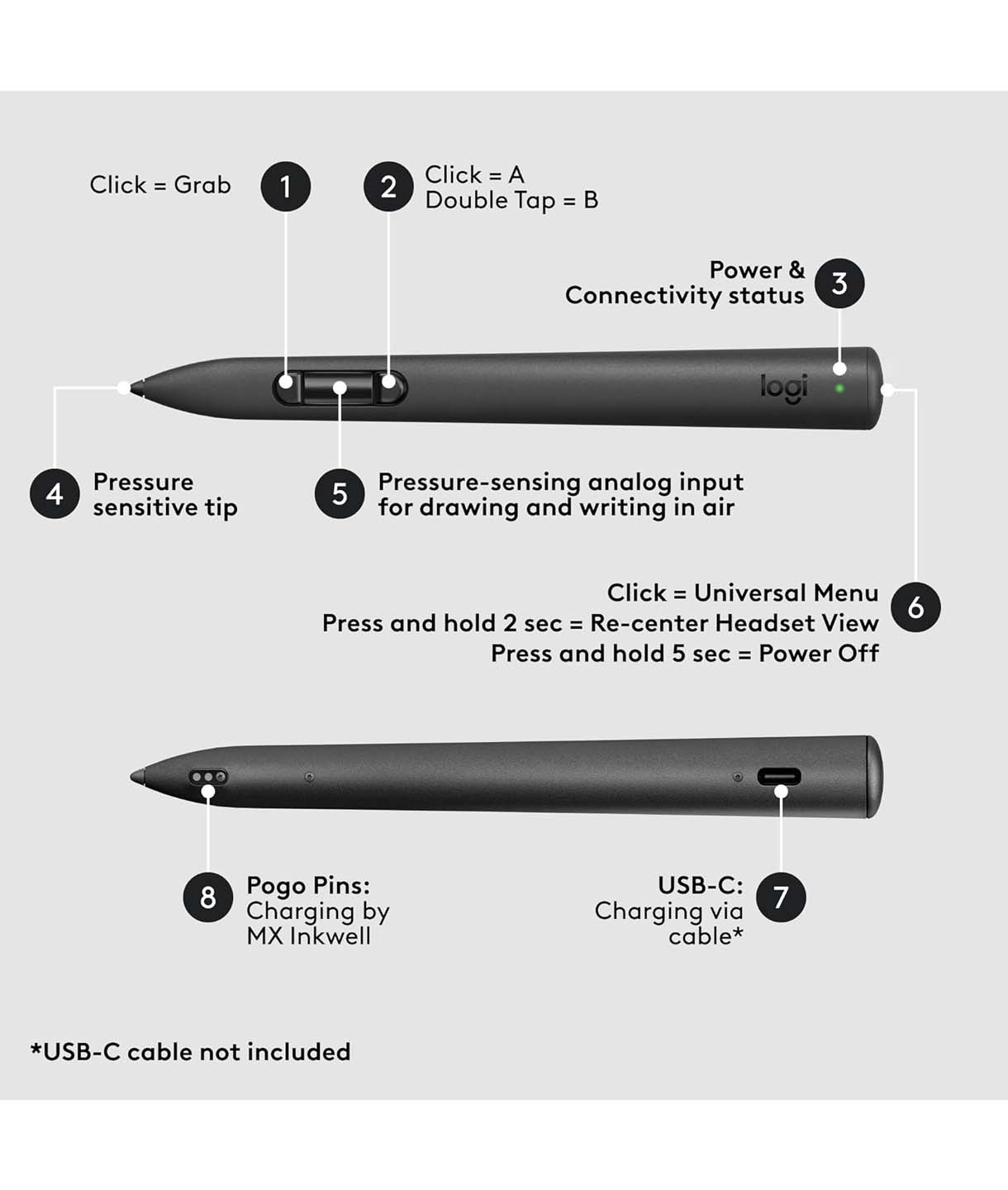
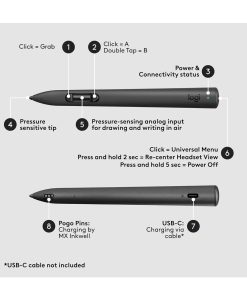
The MX Ink features three control buttons on the front, a pen tip for 2D interactions, a Meta button on top, and haptic feedback for a more immersive feel.

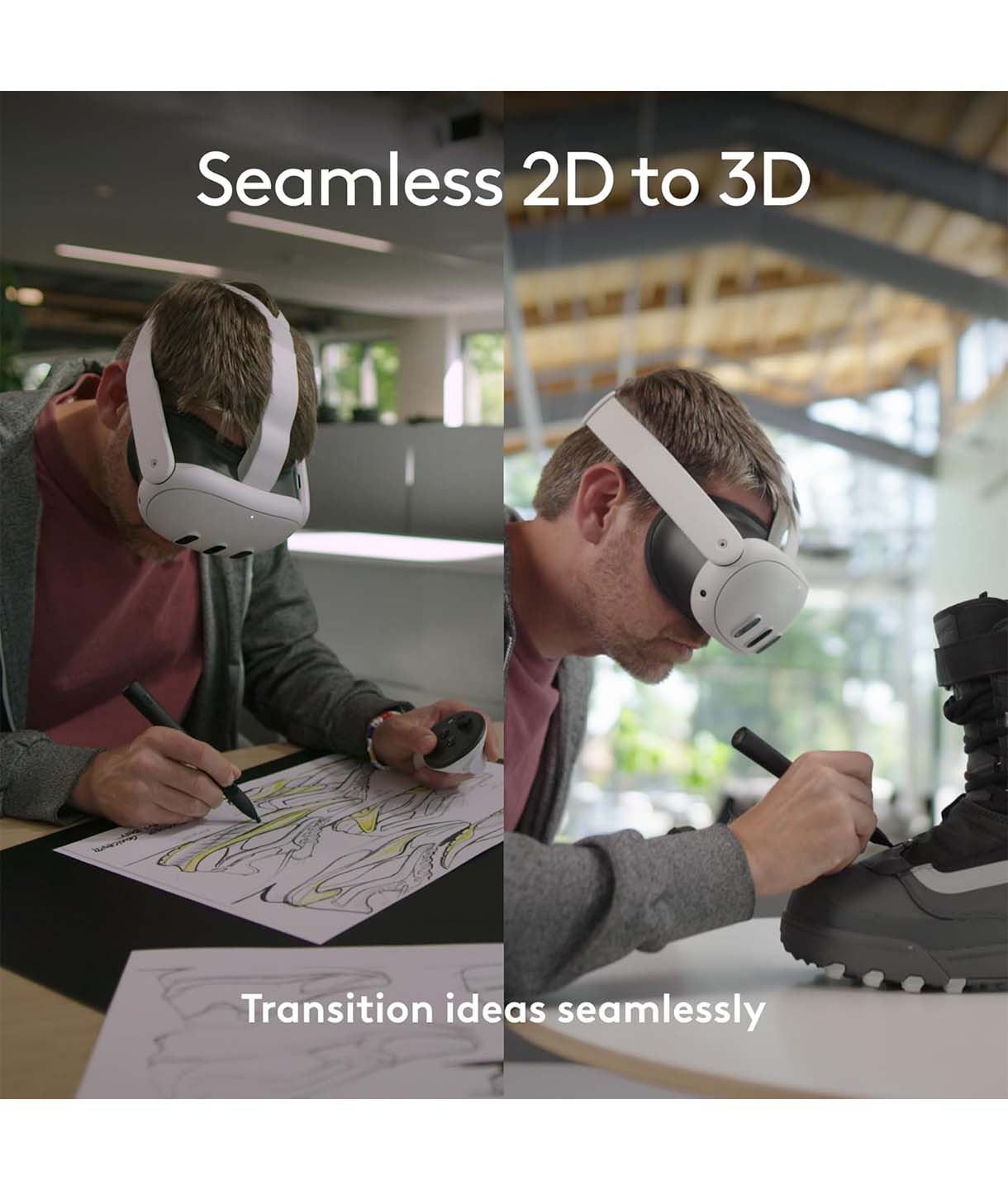
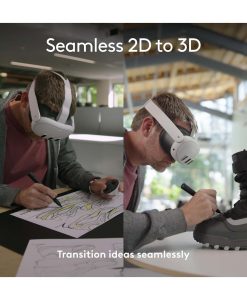
Easily switch between 2D and 3D mode

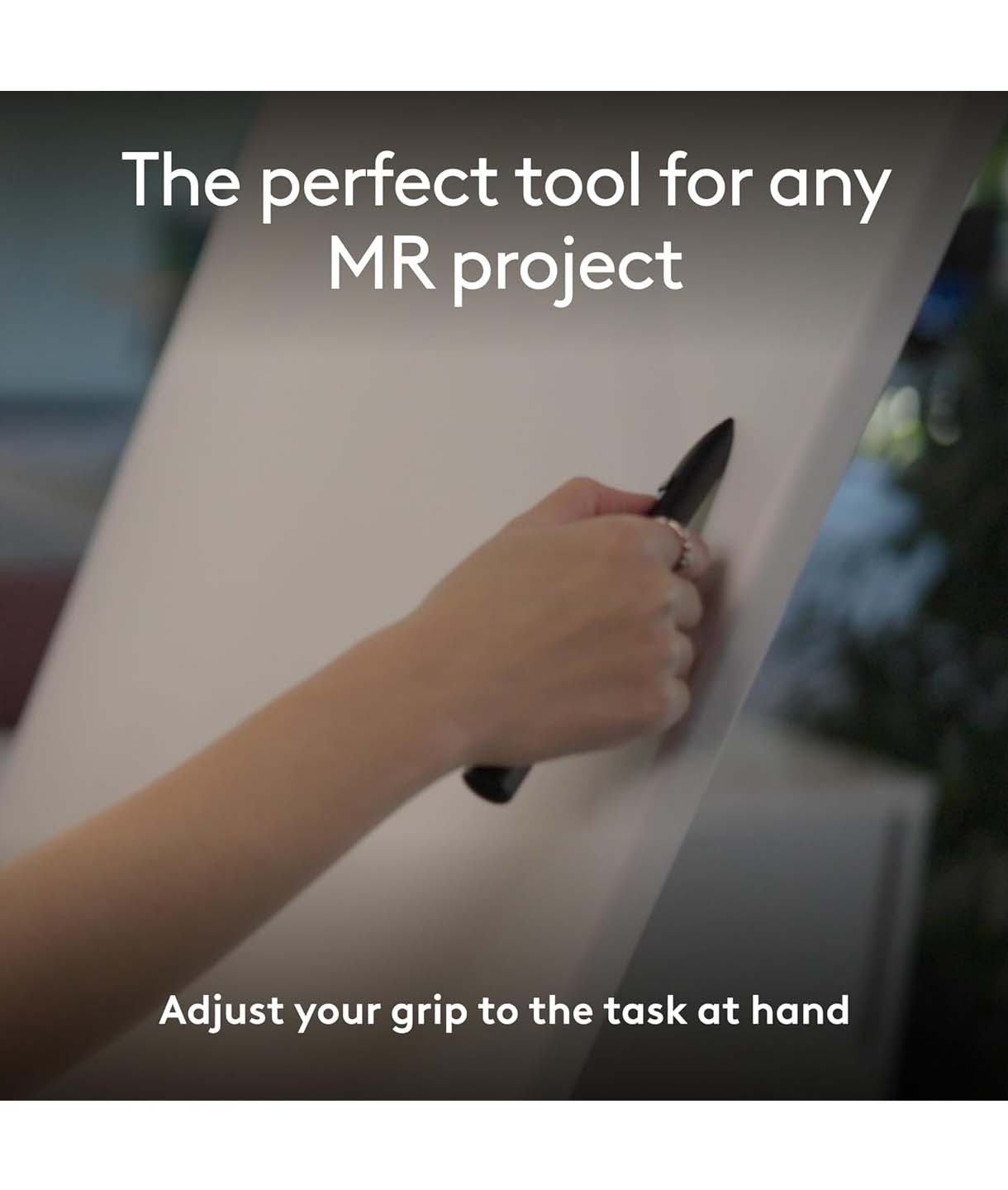
You can seamlessly switch between traditional paper sketching and sketching in a virtual reality environment with ease and fluidity.

Bút Logitech Mx Ink Mixed Reality Cho Kính Meta Quest 11

Realistic and immersive experience

Bút Logitech Mx Ink Mixed Reality Cho Kính Meta Quest 12

With its highly sensitive stylus tip, you can control your strokes using the pressure sensor allowing your lines to be smooth, broader, or deeper. Your notes can be emphasized, along with many other functionalities.

Personalized to your needs

In Meta Settings, you can personalize the functions from switching between right- and left-handed use to customizing the buttons and stylus sensitivity.
 
Bút Logitech Mx Ink Mixed Reality Cho Kính Meta Quest 13

Fast and convenient charging

Bút Logitech Mx Ink Mixed Reality Cho Kính Meta Quest 14

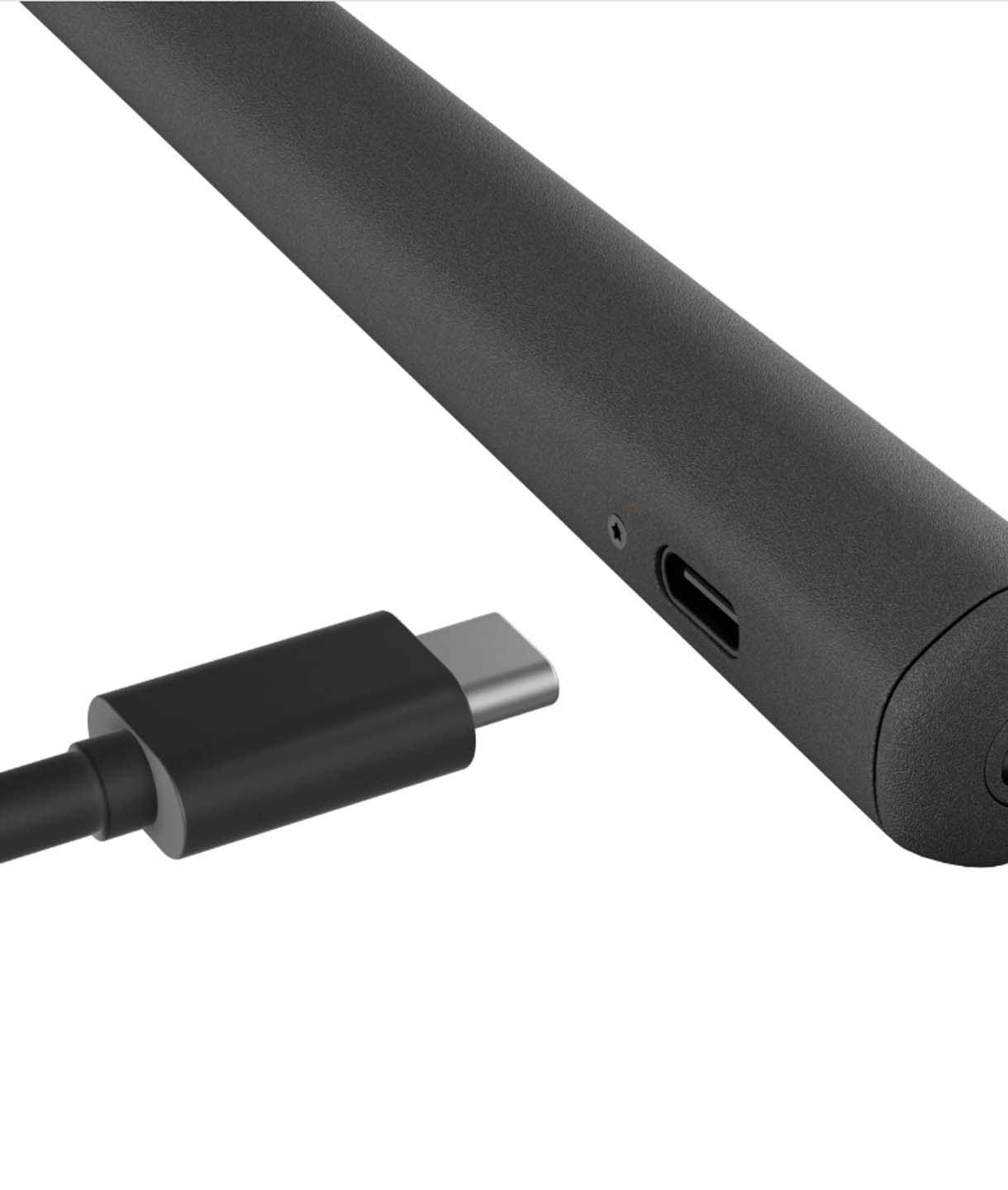
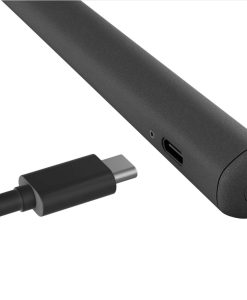
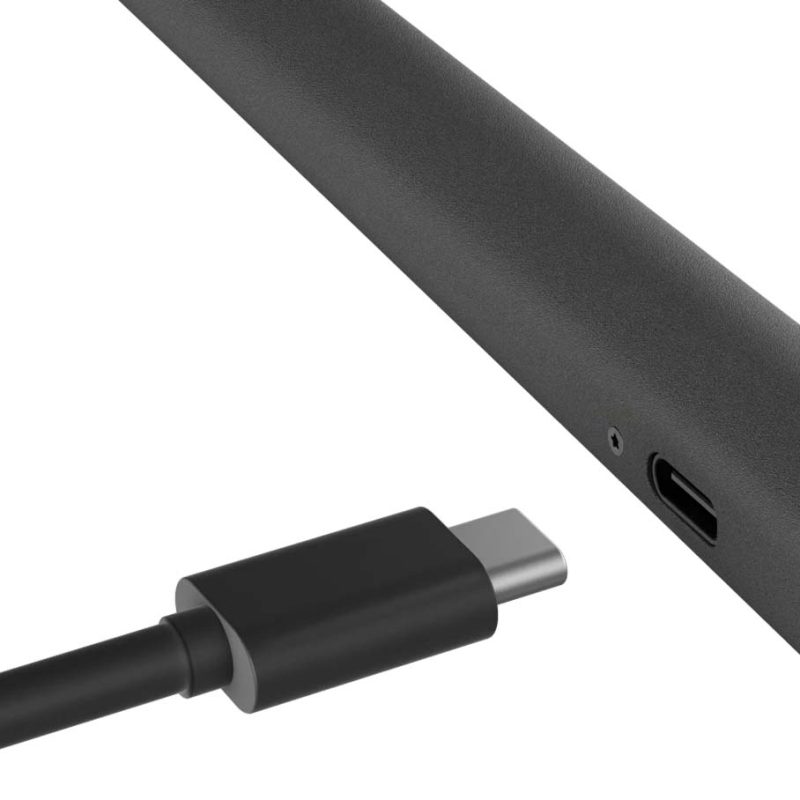
Not only designed to provide a vivid experience and optimal grip, the MX Ink also offers button feedback, pressure sensitivity, and low latency similar to a Quest controller. The battery lasts up to 7 hours, and charging is simple and fast via the USB-C port on the side of the stylus

(cable sold separately).

Connection Instructions

Oculus Attribution Id:000000000000
  • Open the Settings menu on your Meta Quest headset.
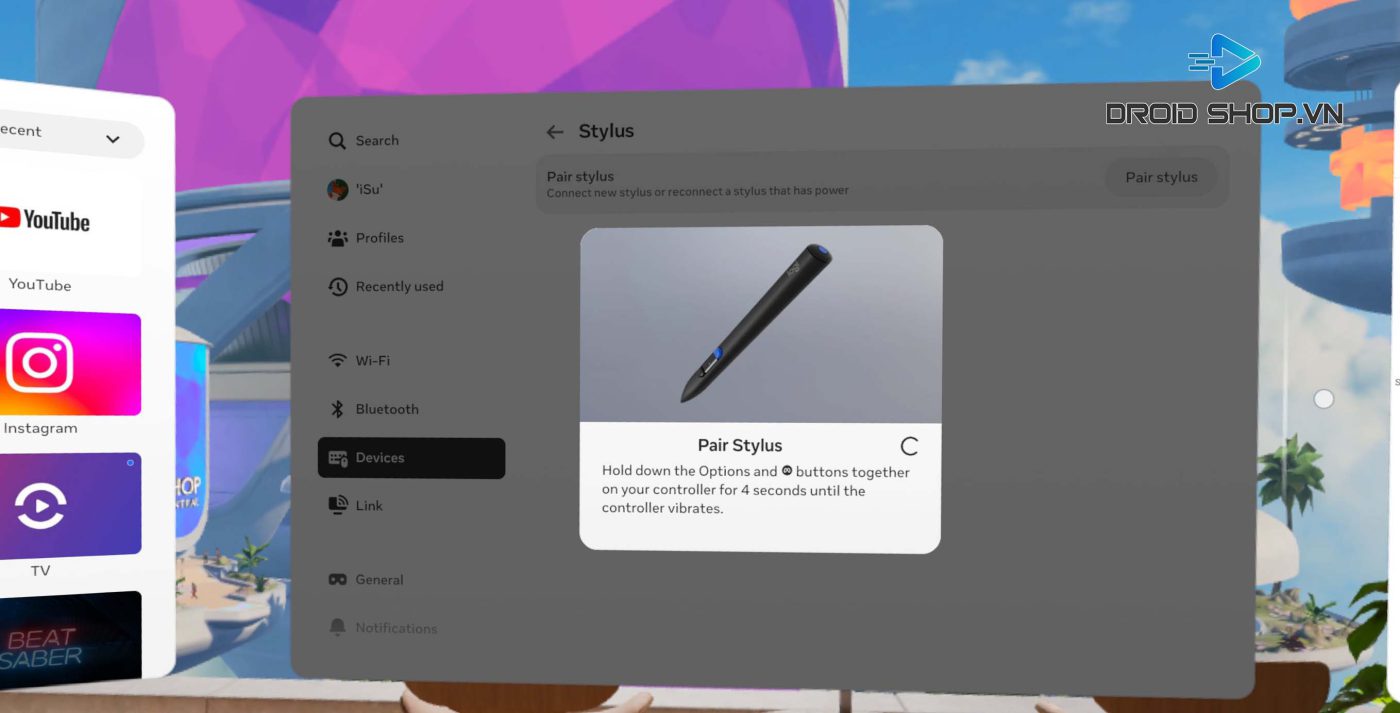
  • Navigate to Devices > Stylus > Pair Stylus.
  • Press and hold both the Options button and the Meta button on the stylus for about 4 seconds until the stylus vibrates.

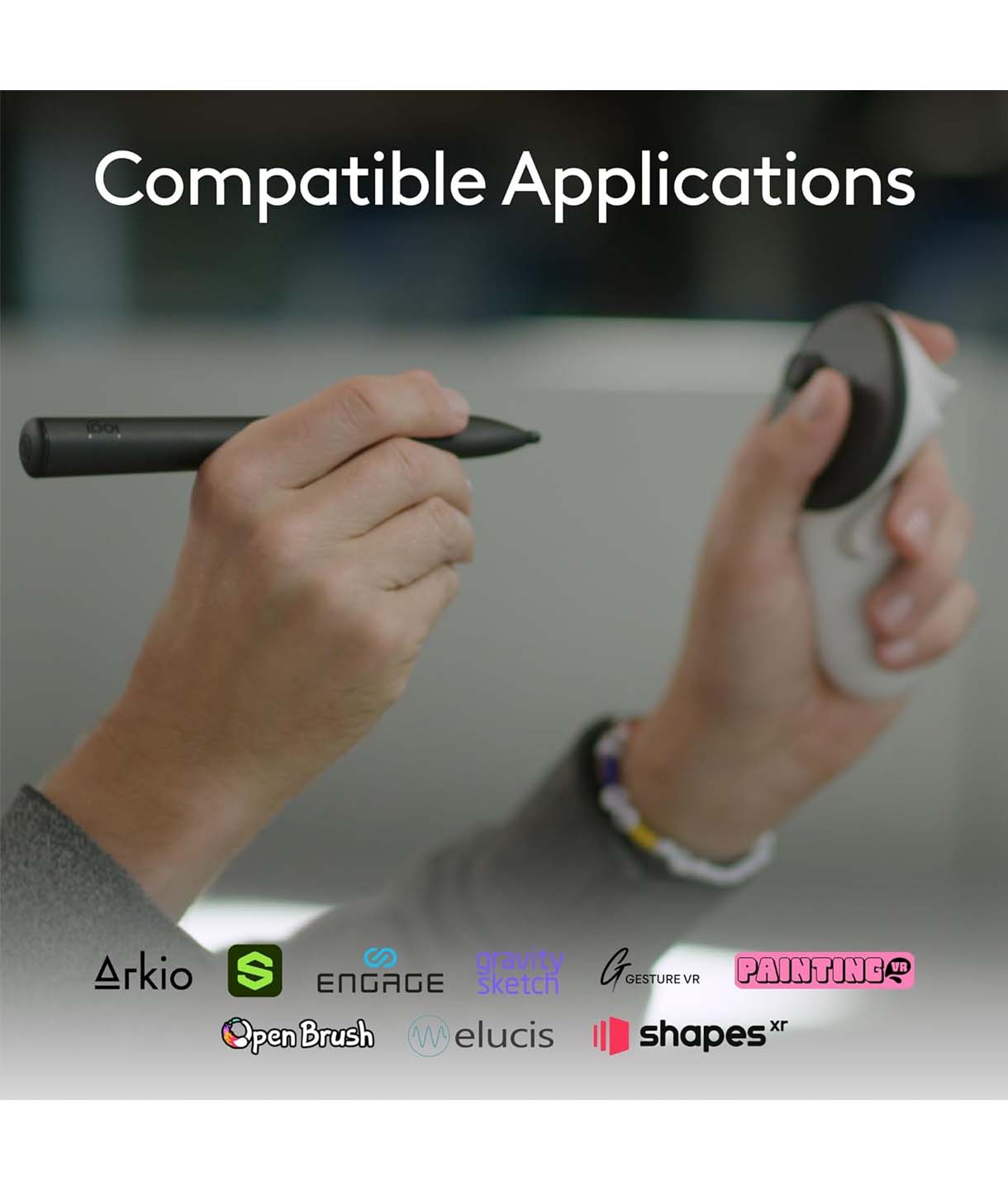
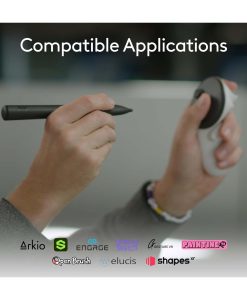
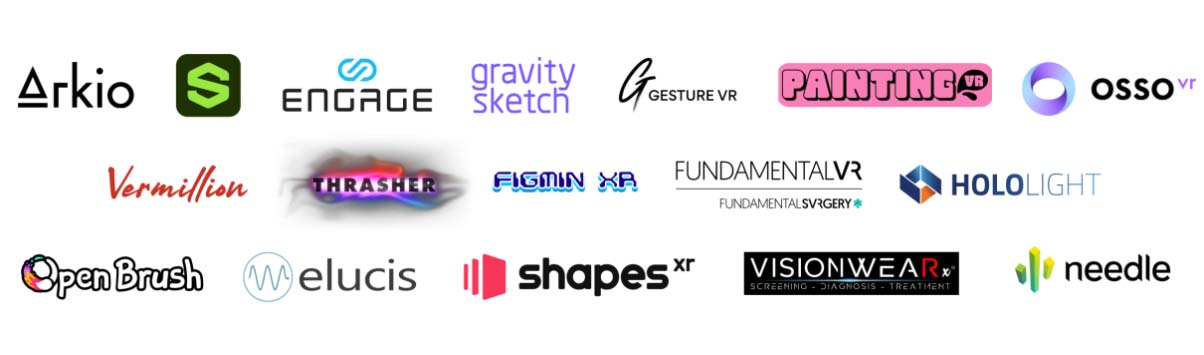
Supported apps

Bút Logitech Mx Ink Mixed Reality Cho Kính Meta Quest 15
Supported apps

The complete product set includes

  • 1× Logitech MX Ink Mixed-Reality Stylus for Meta Quest
  • 2× Replacement tips (1 small and 1 large)
  • User manual (English)
Thương Hiệu

Review Logitech MX Ink Mixed Reality Stylus for Meta Quest
0.0 Average rating
5 0% | 0 review
4 0% | 0 review
3 0% | 0 review
2 0% | 0 review
1 0% | 0 review
Review Logitech MX Ink Mixed Reality Stylus for Meta Quest
Choose a image
0 character ( Minimum of 4)
    +

    There are no reviews yet.

    Question and Answer

    No comments yet

    //